
A rebuilt console, with dark mode throughout
The ClusterNest Console has been rebuilt from the ground up. Dark mode throughout, one visual language from the landing page to the cluster list, and the settings that used to be Terraform-only are now in the interface.
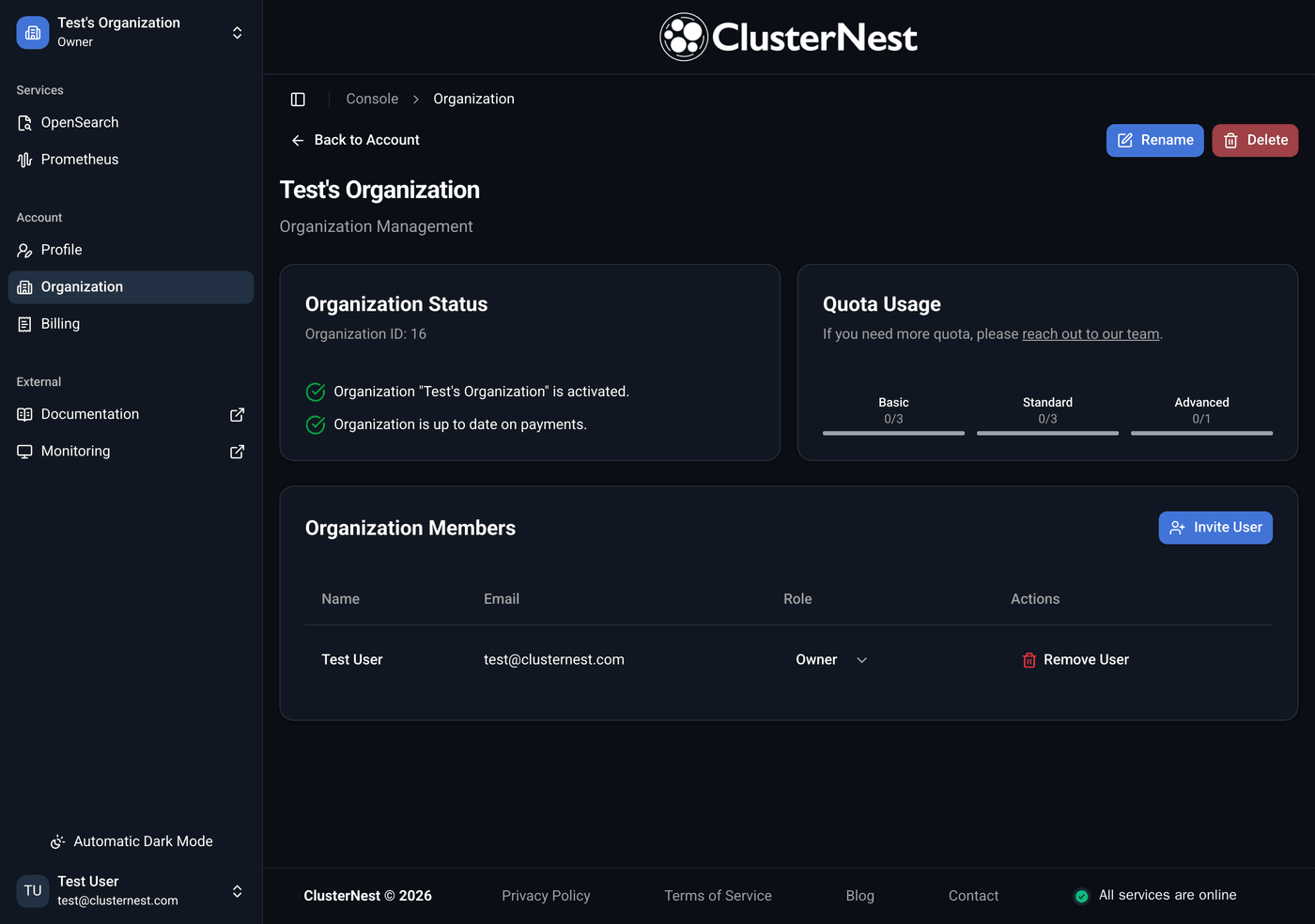
Dark mode
Full dark mode, not an inverted stylesheet. Every surface, border and state was picked for it rather than derived from the light theme and hoped for.
It matters more here than on most interfaces. A console is something people open at three in the morning when something is broken, and an interface that burns at that hour is one people avoid looking at closely at exactly the moment they should.
It follows the system by default and can be pinned either way.
Consistent from the first page
The landing page and the authentication screens were redone alongside the console, on the same type and colour. Signing up, signing in and managing a cluster now look like the same product, because previously they did not.
Advanced settings are no longer Terraform-only
SSO landed in June configurable through the provider. That is the right way to run it in production, and the wrong way to try it for the first time. Wiring an identity provider to a cluster you have never authenticated against, blind, in a file, is a poor first experience of a feature.
Both backends are now configurable in the console, and so is the authentication on snapshot repositories, which makes setting up backups and restores something you can do in one sitting.
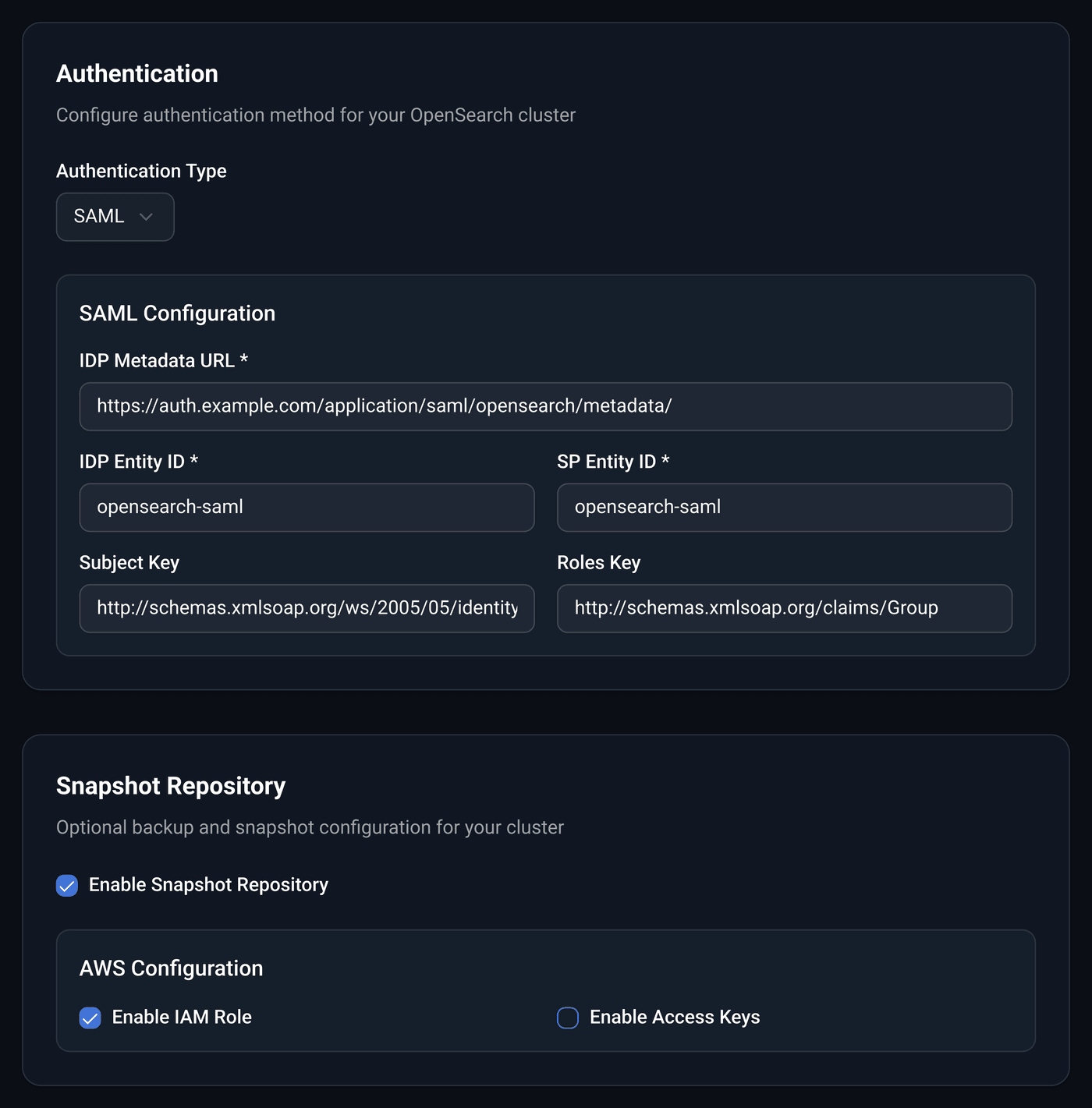
Neither replaces the provider. Anything that belongs in a repository still belongs in a repository, and the console and the Terraform provider sit on the same API, so a cluster configured in one reads correctly in the other.
The console is at console.clusternest.com. Feedback to [email protected], including the parts you liked better before.